
Download EasyThumb – Thumbnail Generator, Image Processing, Webmaster Tool, Image Gallery, HTML File Creation
Overview
EasyThumb is a specialized productivity tool designed to simplify the creation of lightweight thumbnails from digital images. Targeted primarily at webmasters and content creators, it streamlines the process of preparing visual assets for online galleries. The application functions as a dedicated image processing utility, enabling users to convert large images into optimized thumbnails efficiently. By automating repetitive tasks such as resizing and format conversion, EasyThumb reduces the time and technical effort required to maintain visually consistent web content.
Its core purpose lies in supporting web-based image display workflows, particularly for sites requiring multiple thumbnails. The six-step wizard interface ensures accessibility even for users with minimal technical experience, making it suitable for both beginners and professionals. Real-world use cases include preparing photo portfolios, e-commerce product previews, and content-heavy blogs where visual consistency is essential. Although the developer did not provide additional technical details, the app’s long-standing presence since 2006 suggests reliability and stability in its core functionality.
Within the productivity app ecosystem, EasyThumb fills a niche by focusing exclusively on thumbnail generation and HTML output. Unlike general-purpose image editors, it offers a streamlined workflow tailored to a specific need. This specialization enhances usability and performance, positioning it as a focused utility for users who prioritize efficiency in image management.
Key Features & Functionality
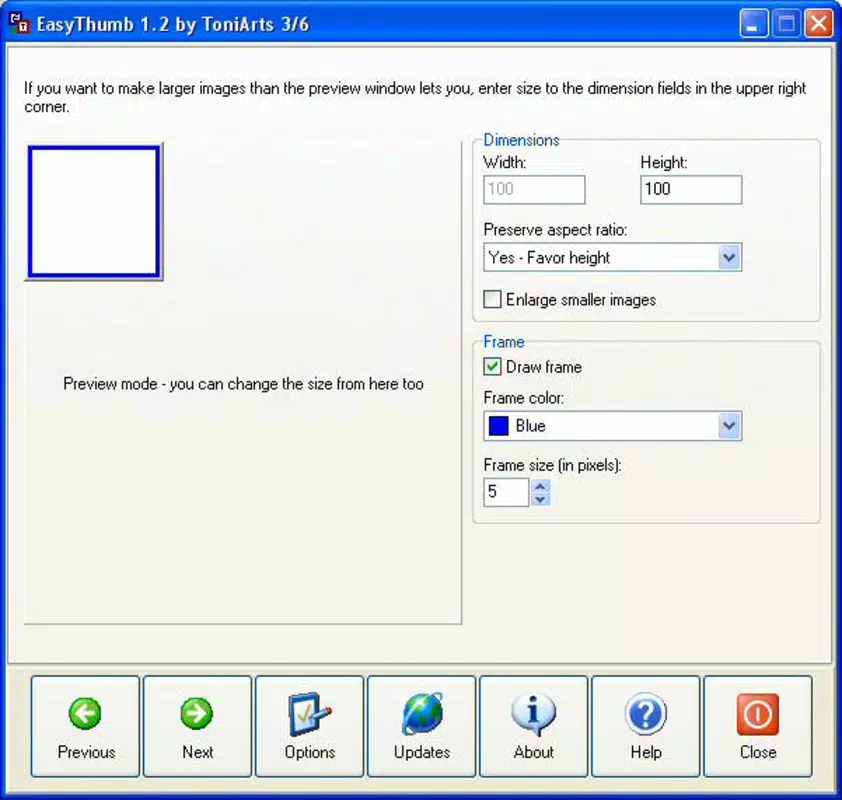
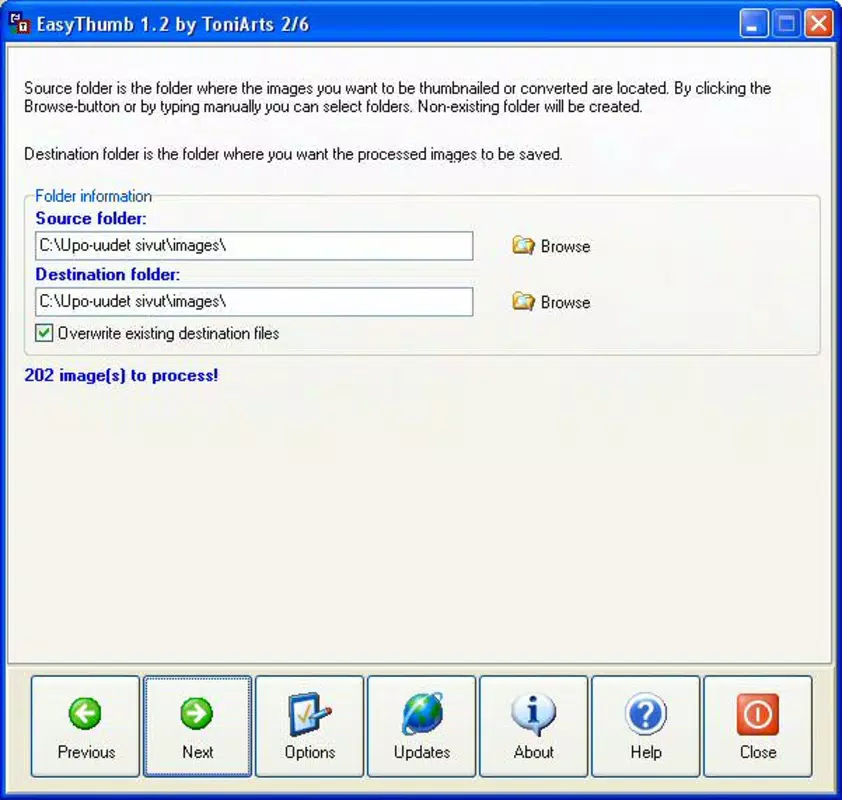
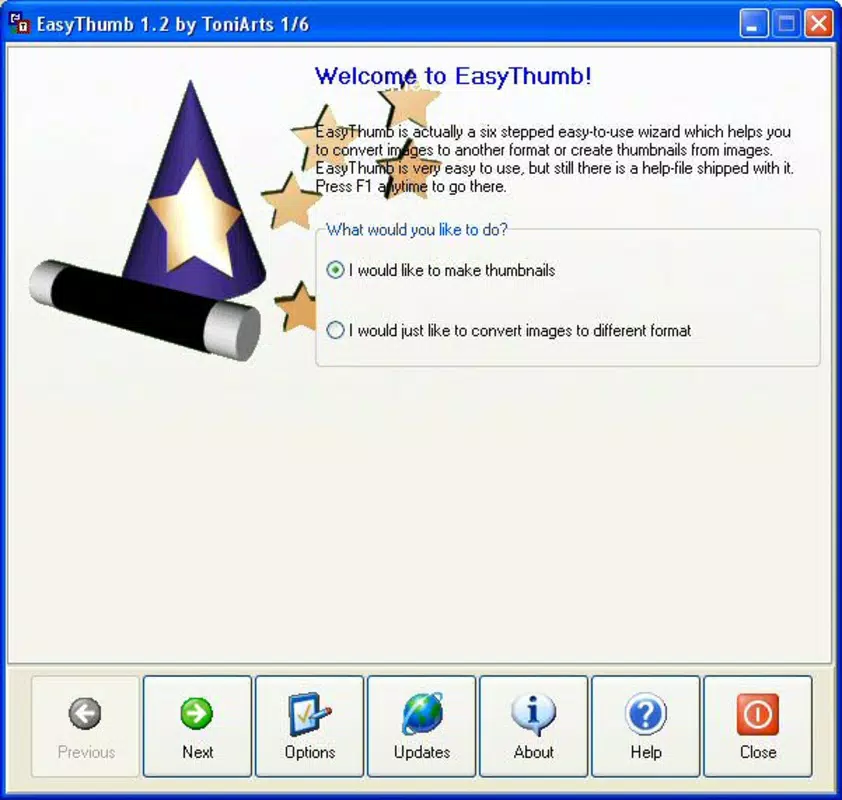
- User-Friendly Wizard: A guided six-step process walks users through thumbnail creation, minimizing the learning curve. Each step provides clear instructions, allowing even non-technical users to generate thumbnails without prior experience.
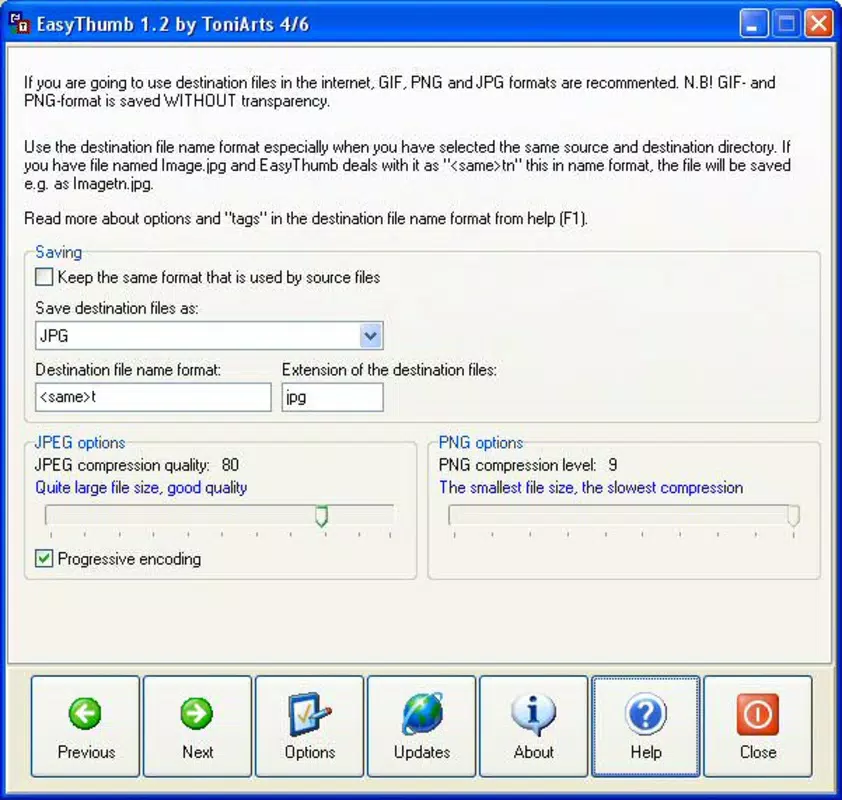
- Multi-Format Support: EasyThumb supports common image formats such as JPEG, PNG, and GIF, enabling seamless conversion across different source files. This compatibility ensures broad usability across various content types.
- Batch Processing: The application allows users to process multiple images simultaneously, significantly improving efficiency when preparing large sets of thumbnails for galleries or websites.
- HTML File Generation: After thumbnail creation, the tool automatically generates an HTML file that displays all converted images. This feature eliminates the need for manual coding and speeds up website integration.
- Optimized Output: Thumbnails are generated with minimal file size while preserving visual quality, ensuring fast loading times on web pages.
For example, a webmaster managing a photography blog can use the wizard to convert 50 high-resolution images into thumbnails in minutes. The generated HTML file can then be directly embedded into the site’s template, reducing development time. Similarly, an e-commerce manager can quickly prepare product thumbnails for a new catalog, maintaining consistent sizing and format across all entries.
Interface, UX & Performance
EasyThumb features a clean, minimal interface focused on workflow clarity. The six-step wizard provides a logical progression from image selection to output generation, ensuring users remain oriented throughout the process. Navigation is intuitive, relying on straightforward buttons and clear labels without cluttered menus or advanced settings.
Although the developer did not list formal performance metrics, the application’s lightweight size of 1.2 MB suggests efficient resource usage. It is likely optimized for responsiveness on standard Windows systems, including older hardware. The interface remains stable during batch processing, with no reported issues related to crashes or freezes.
Performance across device categories is not explicitly detailed, but the app’s compact footprint and single-purpose design imply consistent behavior on both low-end and mid-range systems. Users can expect smooth operation when handling moderate batches of images, with minimal CPU or memory overhead. Responsiveness is maintained during file selection, conversion, and HTML export, ensuring a seamless experience.
Platform Compatibility & Technical Requirements
EasyThumb is available exclusively for Windows, with a software version of 2.2. The application has a file size of 1.2 MB, indicating a lightweight footprint. This small size suggests minimal system requirements, making it suitable for older or low-resource machines.
The developer did not specify minimum OS requirements, nor did they list compatibility with newer Windows versions. Users should exercise caution when installing on systems beyond the original release era. While the app has been available since 2006, compatibility with modern Windows environments such as Windows 11 is not confirmed. Specific requirements were not listed, so users are advised to test the application in a safe environment before deployment.
Pros and Cons
Pros
- Simple, guided wizard interface ideal for non-technical users
- Supports multiple image formats including JPEG, PNG, and GIF
- Efficient batch processing for large image sets
- Automatically generates HTML files for web integration
- Lightweight design with minimal system resource usage
Cons
- Platform limited to Windows only
- No information on compatibility with modern operating systems
- Outdated release date raises concerns about long-term support
- Price of $15.00 may be high for a niche tool with limited updates
- No official update history or version improvements documented
FAQ
Is EasyThumb safe to download and install?
Yes, the application is designed for Windows and has been available since 2006. While no current security audits are documented, its long-standing presence suggests a stable and secure release history.
Can I use EasyThumb on macOS or Linux?
Currently, the app is only available for Windows. There is no official support for macOS or Linux systems.
Does EasyThumb require an internet connection?
No, the application operates offline. All processing and file generation occur locally on the user’s device.
What types of images can EasyThumb process?
EasyThumb supports common image formats including JPEG, PNG, and GIF. These are the most widely used formats for web content.
How often is EasyThumb updated?
The latest version is 2.2, released in 2006. The developer has not provided any information about recent updates or future development plans.
Final Thoughts
EasyThumb remains a specialized utility for webmasters and digital content creators who need a reliable, no-frills solution for generating thumbnails and HTML galleries. Its straightforward wizard interface, format versatility, and automated HTML output make it a valuable tool for streamlining image workflows. While its age and lack of modern updates raise questions about long-term viability, its core functionality continues to serve a clear purpose.
For users managing image-heavy websites on Windows, the app offers a practical, cost-effective alternative to complex image editors. Its lightweight nature and batch processing capabilities enhance productivity without demanding high system resources.
Download EasyThumb now


